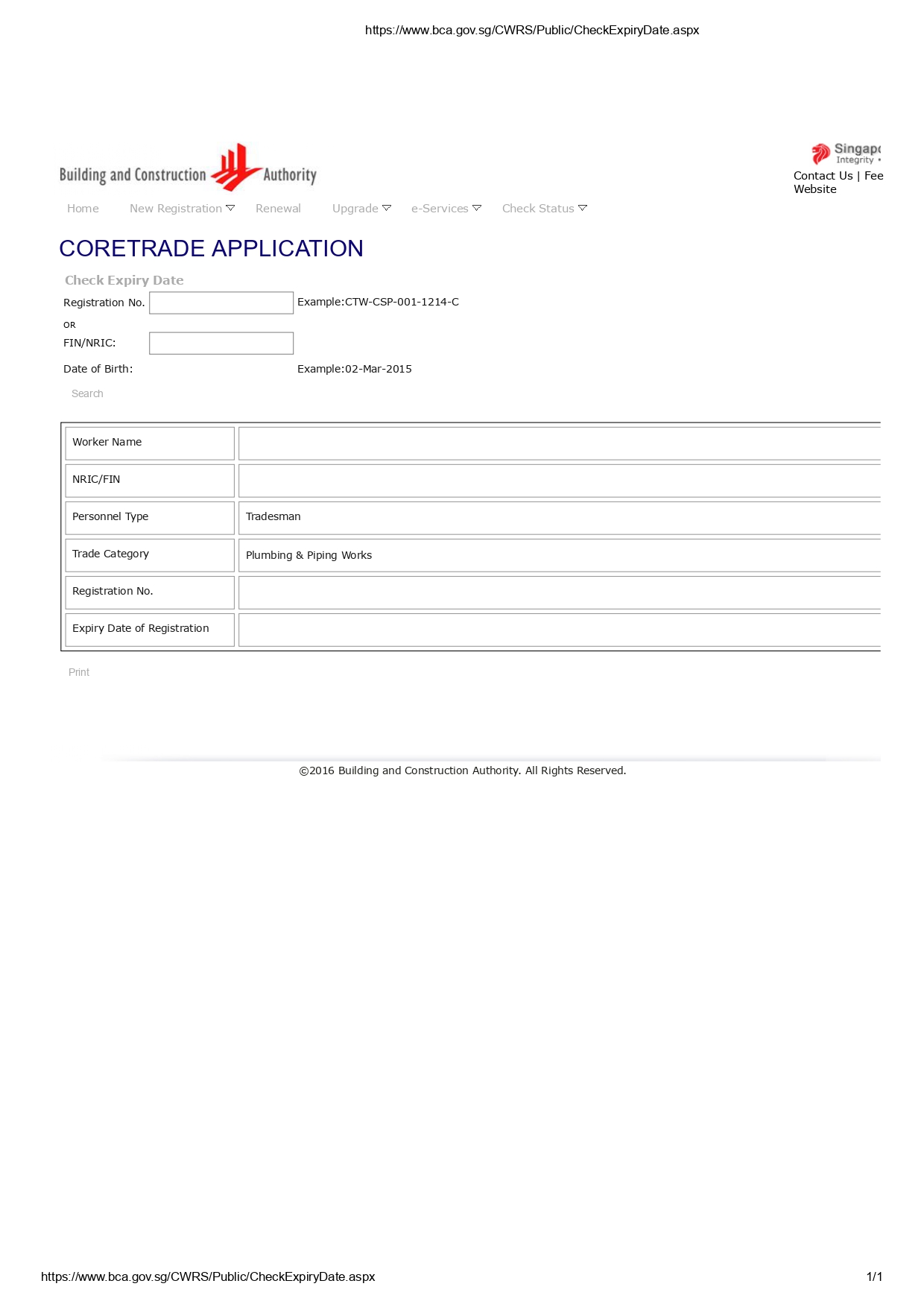
Step 1 — Go to the BCA CWRS Website
Visit the official link: https://www.bca.gov.sg/CWRS/Public/Home.aspx
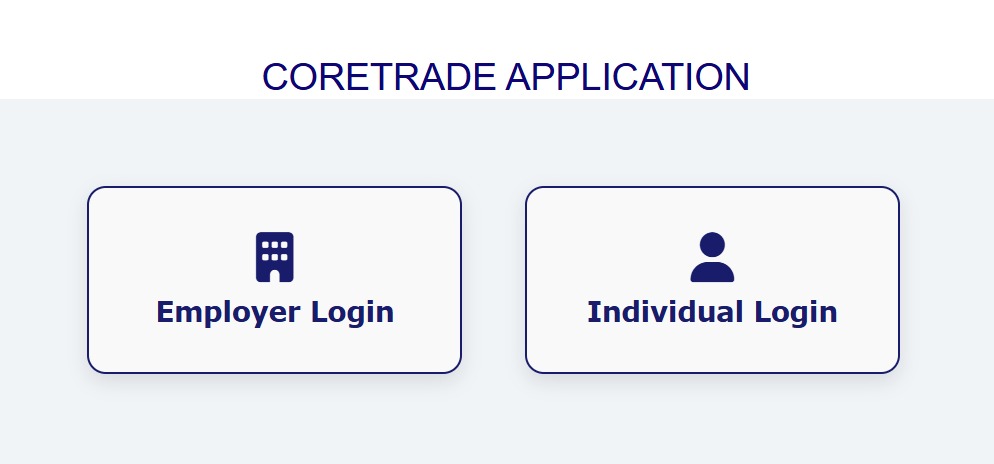
Click “ Individual Login” and sign in using your Singpass.
Step 2 — Create or Update Your Profile
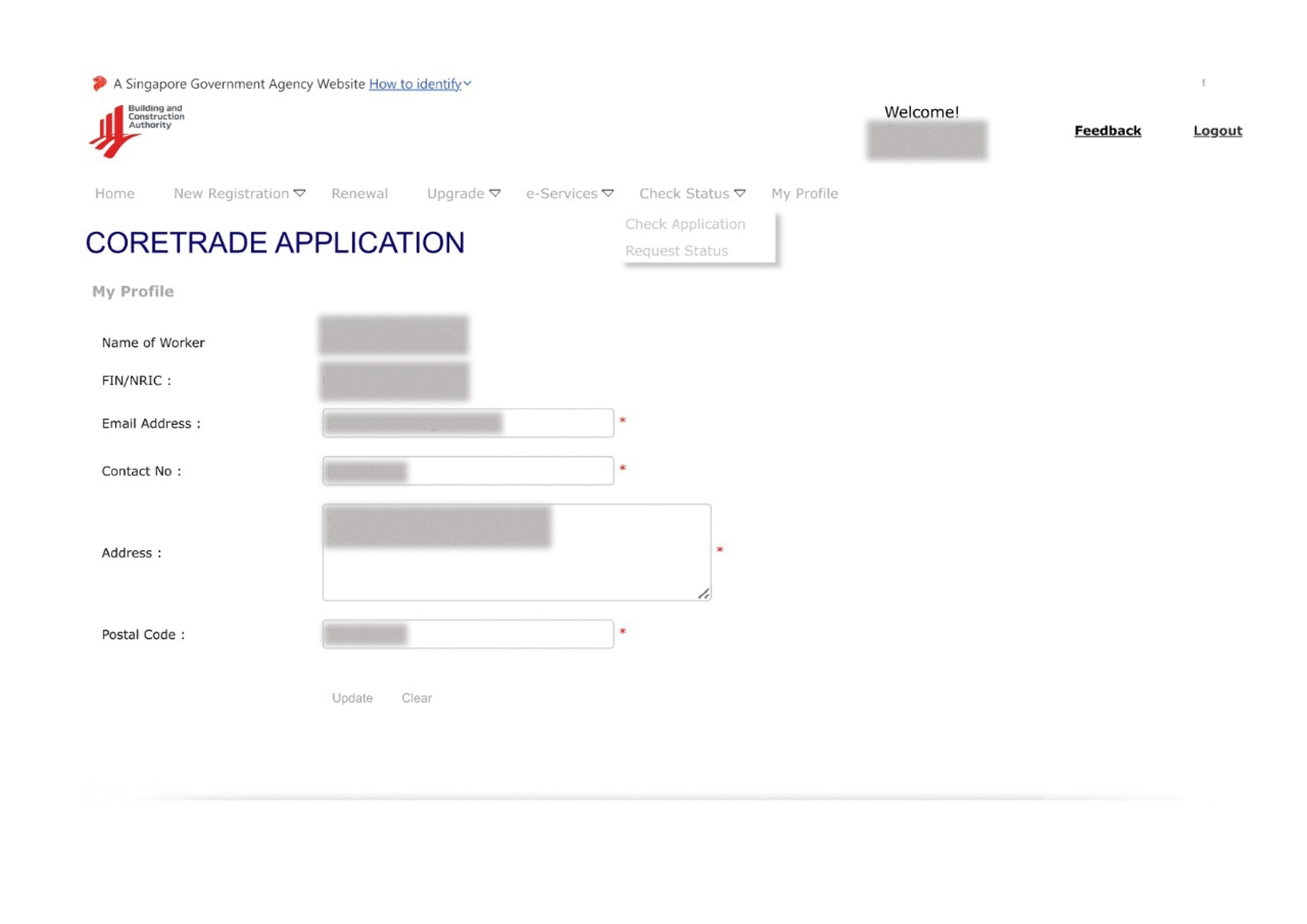
If it’s your first time logging in, the system will ask you to create your profile.
If you already have a profile, you will go directly to the main page.
Step 3 — Click on “Stage 3 – Successful Registration”
On the dashboard, look for Stage 3: Successful Registration.
This is where your CoreTrade information is stored.

Step 4 — Click on Your CoreTrade Details
Inside the CoreTrade section, click on “You can check the expiry date of the CoreTrade registration “here”

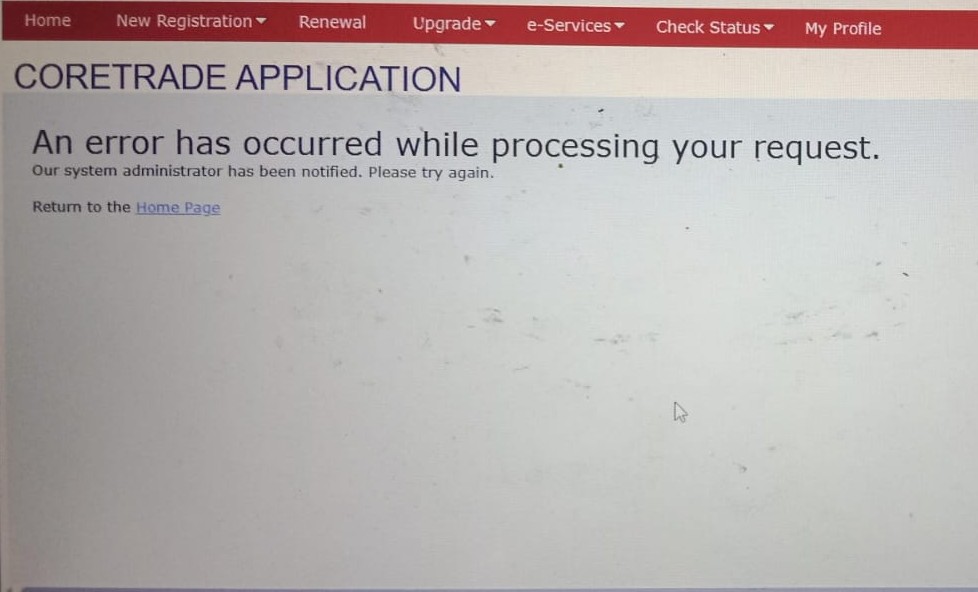
Tips: If an error occurred. Please try it again at later time
Step 5 — Download Your CoreTrade receipt
To download, Press the receipt download “here”. After downloading, the file will appear like this.